
PWA and web app development
A PWA (progressive web app) is an app that installs on a phone from the browser, has its own icon, works offline and sends notifications. For many businesses in Iran, where publishing to app stores is a hassle, a PWA is the fastest and most affordable way to have a mobile app.
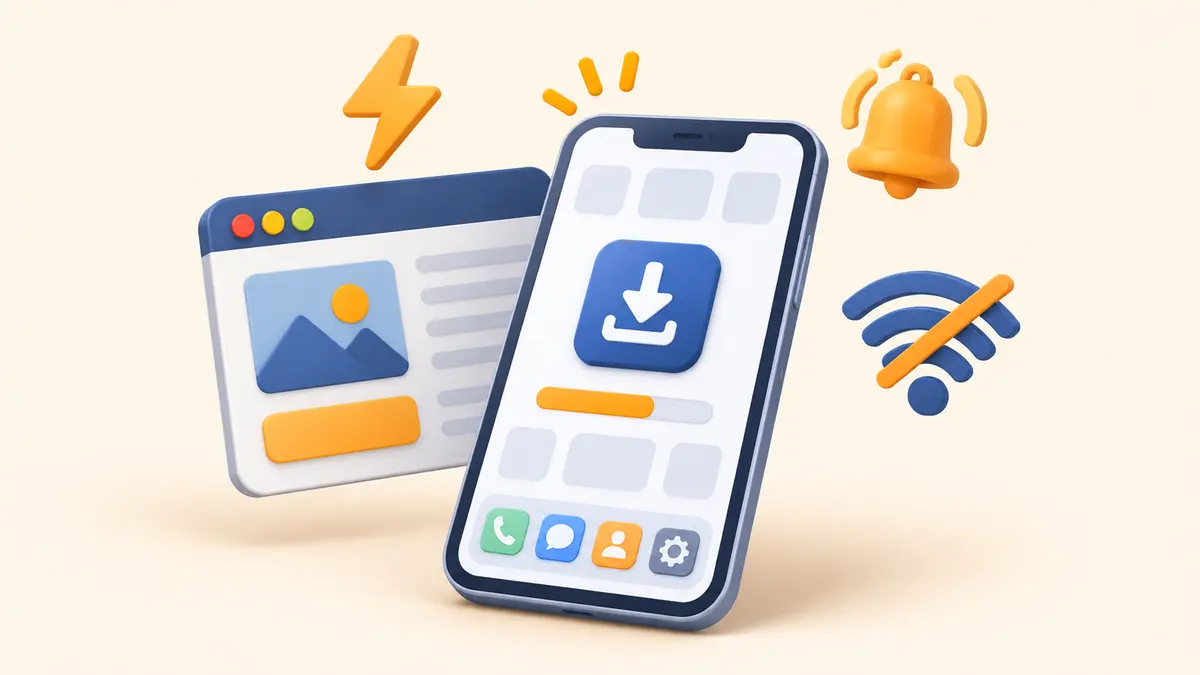
What is a PWA, in plain words
A PWA is a website that behaves like an app. Users open the address, tap "Add to Home Screen", and from then on your app sits on their phone with its own icon. It opens full screen, without the browser bar. One codebase runs on Android, iPhone, tablets and computers.
Why a PWA suits the Iranian market
- No app store: publishing an iOS app from Iran needs a foreign developer account and payment in foreign currency, and the app can be removed at any time. A PWA installs straight from your site, and nobody can take it down.
- One codebase for every device: instead of separate Android and iOS apps plus a website, you build and maintain one product.
- Instant updates: every change reaches all users at once; no waiting for store approval or for users to update.
- Light and fast: it is tiny compared with regular apps and opens quickly even on a weak connection.
- Found on Google: unlike regular apps, PWA pages show up in search results like a website.
What a PWA can do
- Install on the phone's home screen with its own icon and splash screen
- Work offline or on a weak connection for parts that were opened before
- Push notifications on Android, and on iPhone from iOS 16.4 for installed PWAs
- Access the camera, location and sharing
- Mobile-number sign-in, online payment and everything a full website offers
When is a native app the better choice?
A PWA isn't right for everything, and we say so honestly before any contract. If you need Bluetooth, heavy background work, deep access to the phone's hardware, or a listing on Cafe Bazaar and Myket, a native Android and iOS app is the better choice. The good news: because one team builds both web and apps, you can start with a PWA and add a native app later on the same server and the same admin panel.
Who gains most from a PWA?
- Online stores that want an app without the cost and hassle of two separate apps (online store development)
- Internal systems: dealer portals, sales reps or field staff
- Startups that want to put an MVP in users' hands quickly
- Education, booking and reservation services, loyalty clubs and customer portals
How we build your PWA
- Needs assessment: is a PWA enough for you, or do you need a native app?
- Mobile-first UI design, approved by you.
- Development: the web app, the admin panel and the server.
- PWA features: installing, offline use and notifications.
- Testing on real Android and iPhone devices, then launch, training and support.
PWA and web app case studies
Masir Bartar: an installable web app for analysing students' performance, with online exams, a study planner, surveys, a knowledge base and a shop, and separate panels for students and staff. Kharid Abzar: an online tools store that installs on the phone like an app, with a bottom navigation bar that makes buying on mobile simple. See all our work in the portfolio.
PWA development cost
Because one codebase serves every device, building and maintaining a PWA usually costs noticeably less than a website plus separate Android and iOS apps. The exact cost depends on features and the number of sections; for an estimate, book a free consultation.
Frequently asked questions
Does a PWA work on iPhone?
Can a PWA be published on Cafe Bazaar or Google Play?
How much does a PWA cost compared with an app?
Can our current website become a PWA?
Does a PWA work offline?
Related projects
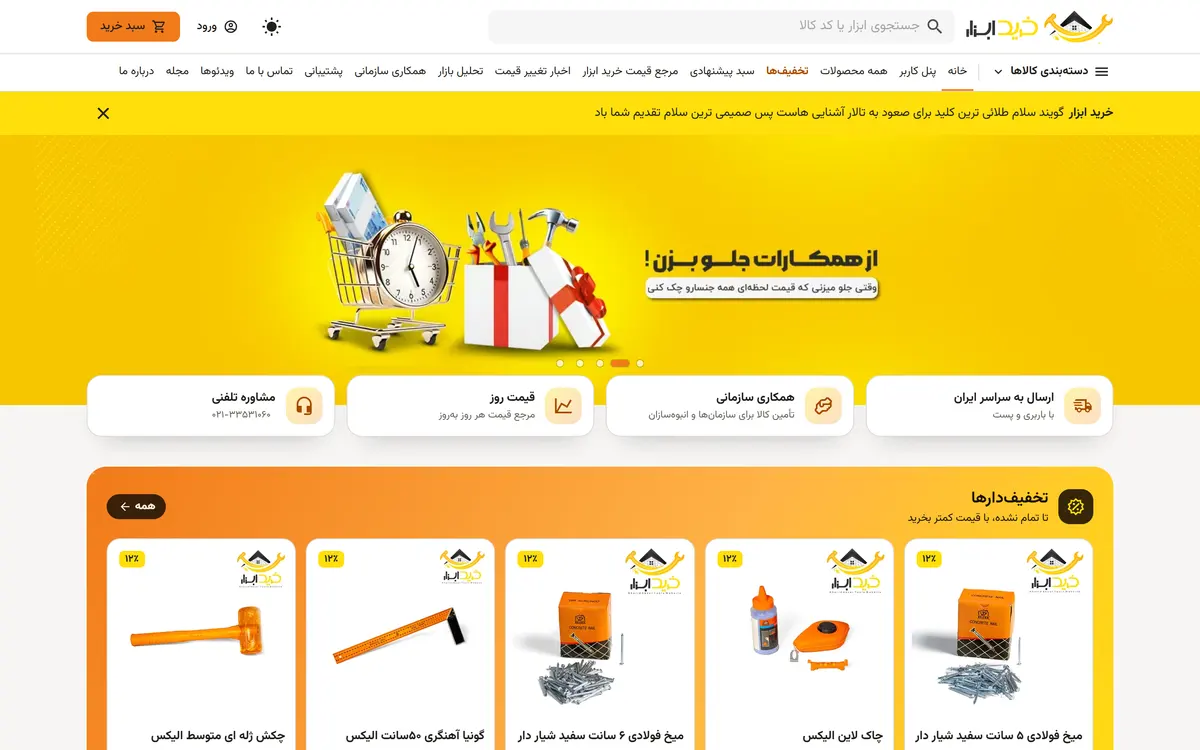
Kharid Abzar
A wholesale online store for construction, farming and industrial tools, with a daily price index, price-change news and market analysis. Built as an installable web app (PWA) that ships across Iran.
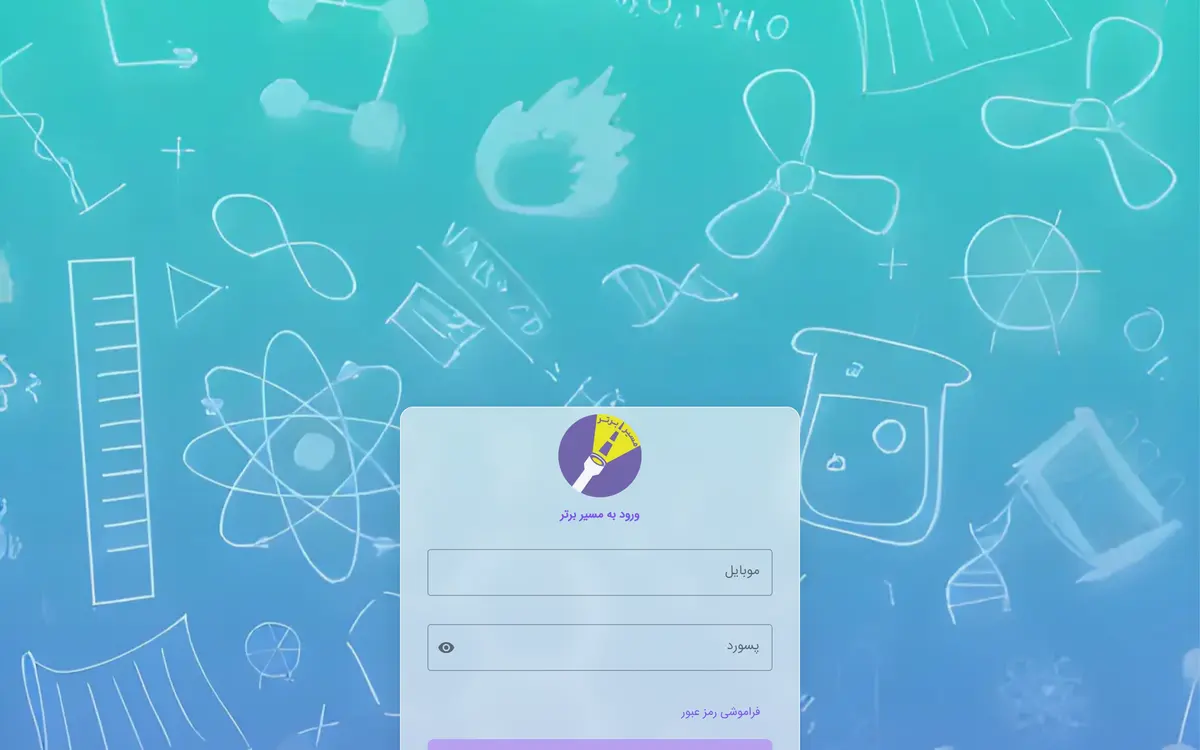
Masir-e Bartar
A web app for tracking and analysing student performance, with online exams, a study planner, surveys, a knowledge base and a shop, and separate portals for students and staff.
Planning a website or a mobile app?
Talk to the IZISYS team — consultation before signing is free.